Switch With Confidence
Apply the right Git author, SSH identity, and GitHub CLI account from one profile.
A terminal-native CLI for moving between work, personal, and open-source Git identities without second-guessing every commit.

Developers rarely have just one identity anymore. One laptop might hold a company GitHub account, a personal account, a consulting identity, and a few SSH keys for different providers. Git supports that world, but the workflow is scattered across git config, SSH config, gh auth, shell hooks, and memory.
GitID is inspired by a simple feeling: before you commit or push, you should know which identity is active. No guessing. No awkward commit email cleanup. No hand-editing SSH config at midnight.
npm install -g @akshaymemane/git-id

gitid add work
gitid switch work
gitid doctor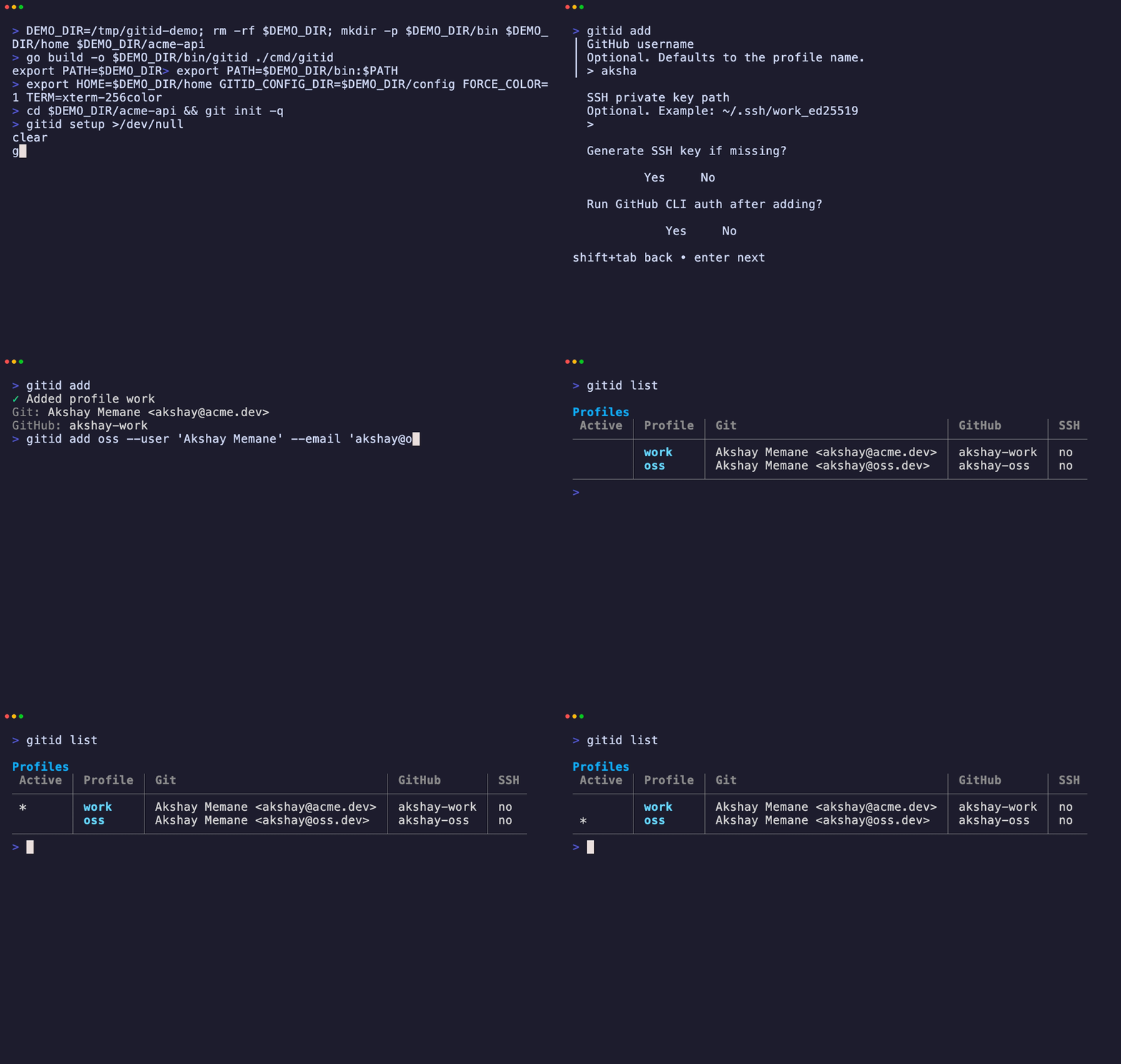
GitID helps you manage:
GitID is not trying to be an enterprise identity platform. It is a small, fast CLI that makes everyday Git identity work predictable.
The goal is not cleverness. The goal is calm.